Multiple Users
Add team members to your Netrinos account
How It Works
Every Netrinos plan supports multiple users. Personal includes 3 users, Pro includes 10 (with $1/user scaling for larger teams), and Edge is unlimited. Each user:
- Gets their own login credentials
- Can install Netrinos on their own devices
- Sees all devices on the shared network (configurable with Access Control)
- Can connect to any device on the mesh
The initial user created during registration is the administrator and can manage all users and settings. Additional users are standard users who can connect to the network but cannot manage other users.
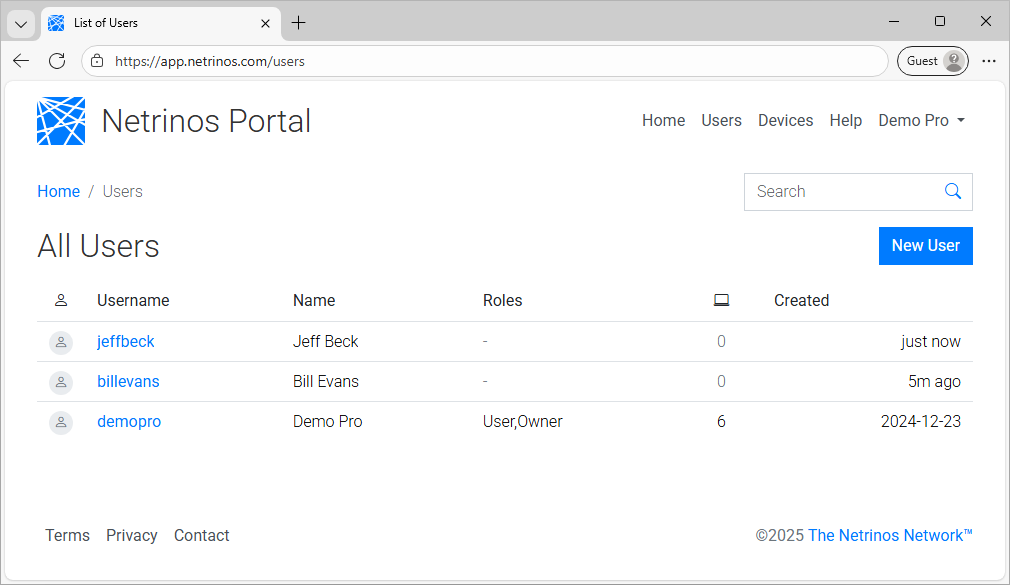
The administrator manages users through the Netrinos Portal.
Managing Users
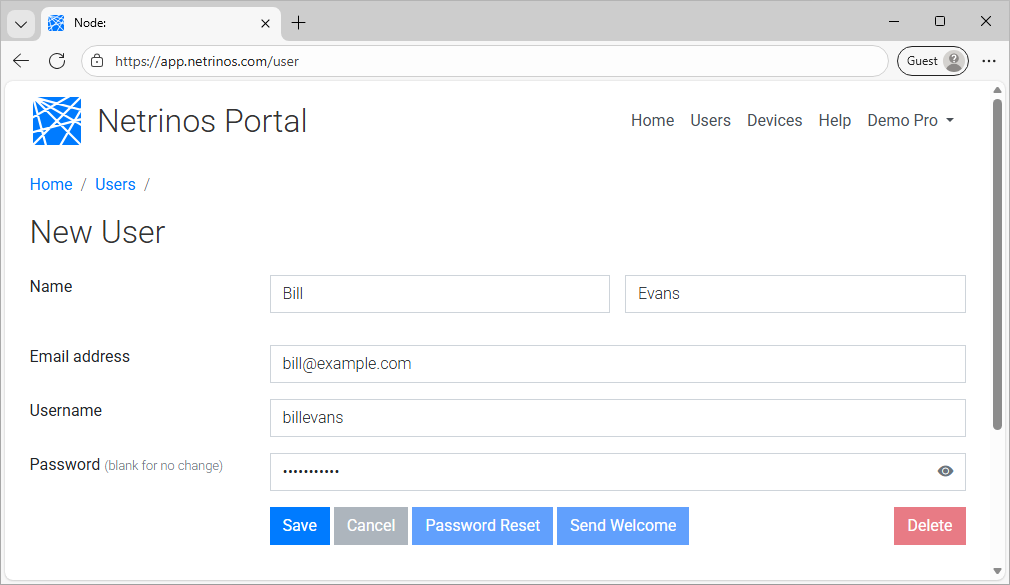
From the Portal, click Users in the navigation. Click Add User to create a new user, or click an existing user to edit.
The username must be unique within your account. Click Send Welcome to email login instructions.
Actions
- Send Welcome
- Re-send the welcome email with login instructions.
- Password Reset
- Email a password reset link.
- Delete
- Remove the user and their devices from the network.